Apple Explains What Happens to Conversations Siri Recap Hears
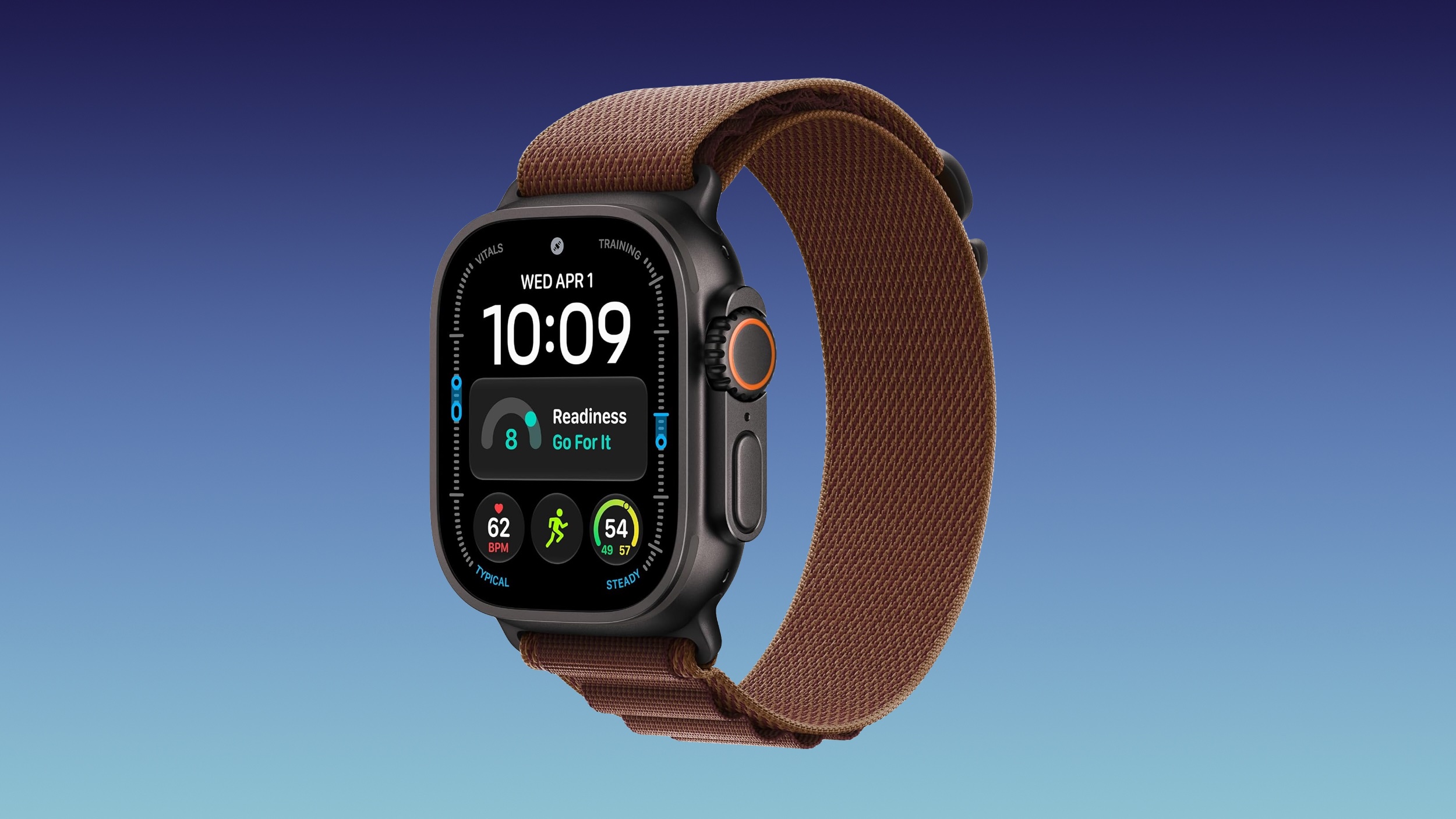
[[{“value”:”The Apple Watch Series 12 and Ultra 4 have new Audio Intelligence features that include Sound Recognition, Music Recognition, Live Rewind, and Siri Recap. When these features are activated, the new Apple Watches are always listening to what’s going on around the wearer.
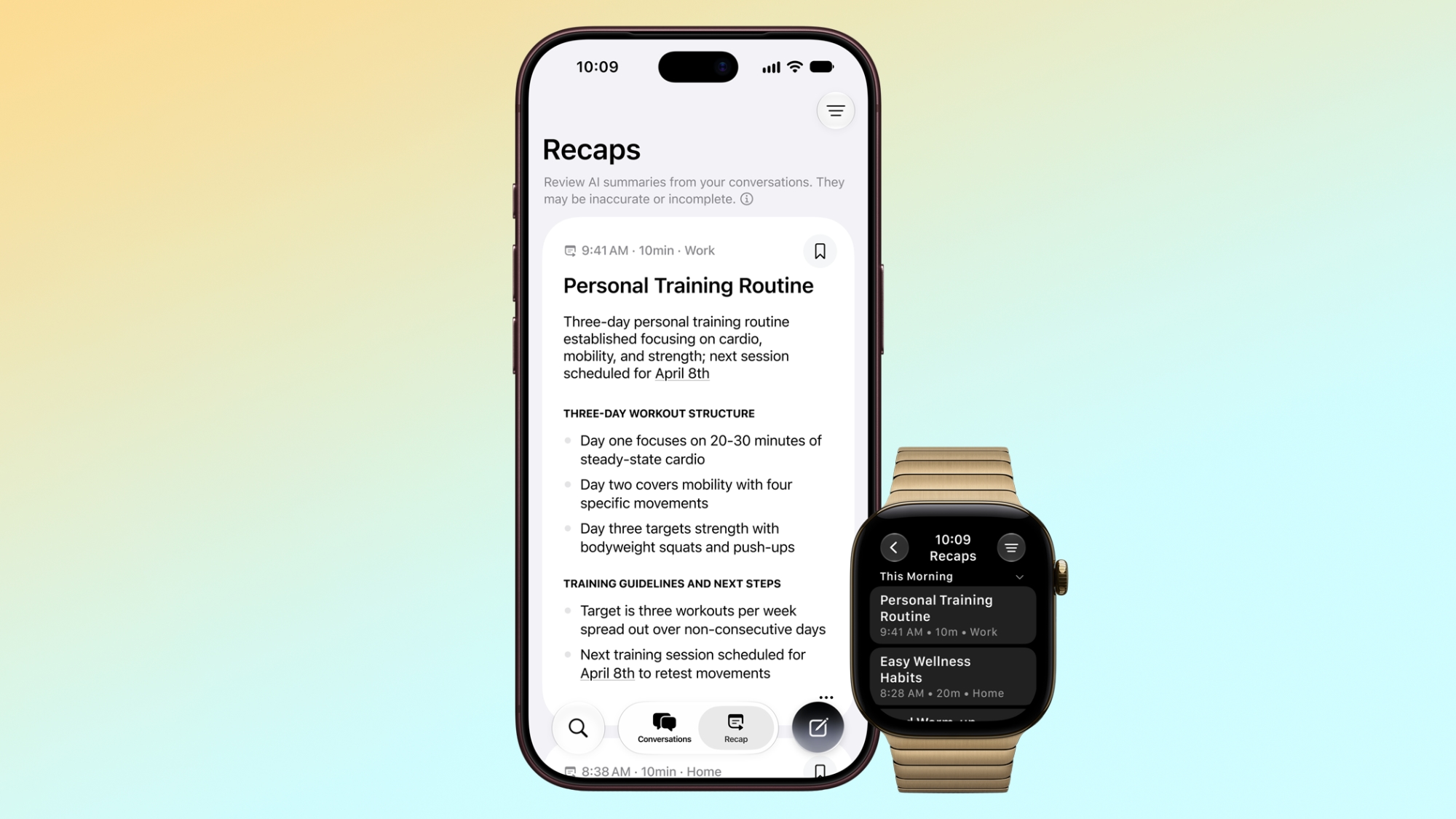
With Siri Recap, the Apple Watch listens to your conversations throughout the day and takes notes. It uses Apple Intelligence to continually generate summaries that Apple says are meant to “jog your memory” on events so you can stay present in the moment.
Apple anticipated negative reactions to a wearable that’s always listening, so it has a detailed explainer on the privacy features that have been added.
- No speaker attribution – Siri Recap will not identify and attribute speakers. Names can be included if mentioned in the conversation, but nothing is directly attributed to a specific person.
- Omitted information – Siri Recaps will omit potentially harmful content or sensitive data, which Apple says includes language that promotes self-harm or hateful speech, financial data, government-assigned identifiers, authentication data, and certain personal identifiers.
- Caveats – Apple warns that Siri Recap summaries can be incomplete or inaccurate, and filtering may not remove all sensitive information.
- No transcript – Apple says Siri Recap doesn’t produce a full transcript of a conversation. It’s just a summary, comparable to notes one might jot down after a conversation.
- Condensed conversations – Encrypted, condensed text versions of a conversation are sent to Private Cloud Compute. The text is less than half the length of the original transcript, and distills the conversation to its core meaning. Conversation tone, non-essential language, filler words, and redundancies are removed.
- No audio recording – Audio is sent to the Secure Exclave on Apple Watch and iPhone for processing and analysis. It can’t be accessed by the operating system, apps, the user, or Apple, and no audio is recorded or stored.
- Private Cloud Compute – Siri Recap uses Apple Foundation Models running on Private Cloud Compute to summarize and format the final output. Data is not accessible to Apple or anyone else.
- Opt in, not opt out – Siri Recap can be turned on in the Apple Watch app on iPhone, and set to listen on a schedule. You can have it on only at work, or set it to never listen at night. There will be a quick access toggle in Control Center for turning it on and off.
- Auto-delete – Summaries auto-delete after seven days if not saved to the Siri app.
- Siri app – Summaries are saved to the Siri app and can be deleted at any time from all synced devices. Saved summaries can be exported to other apps like Notes.
- Encryption – Summaries are end-to-end encrypted when synced to your other devices via iCloud so only your trusted devices can access them.
Apple suggests that Apple Watch wearers “be mindful” of the people around them. “While audio is not recorded and stored, and no speakers are attributed, consider those around you where conversations might be private or sensitive,” reads Apple’s document.
Siri Recap requires one of the new Apple Watch models and an iPhone 16 or later (except the iPhone 16e). The feature is launching later this year.
This article, “Apple Explains What Happens to Conversations Siri Recap Hears” first appeared on MacRumors.com
Discuss this article in our forums
“}]]