Get the most out your Mac this semester with our top desktop picks
Some students prefer a computer experience with a potentially bigger screen and better temperature regulation – for them, one of Apple’s Mac range will fit perfectly. You’ll often get a more powerful computer for less than a laptop when looking at a desktop Mac as well, so it’s well worth considering. The best Mac for students that we’d go for would be the 24-inch iMac, with its fresh modern design, Apple silicon inside, and a range of colors to choose from. Other options are worth considering depending on your needs – and budget. If you’re going to go for a desktop option, You’ll still need some sort of portable device to take to lectures and classes – so pick up one of the best iPads for students while you’re at it.
Best overall: 24-inch iMac (2021)
The colorful 24-inch iMac (2021) has been almost completely redesigned from the 21.5-inch model it replaced, and Apple gave it a ton of new color options. Of course, it’s all powered by Apple’s M1 chip, which has been praised for delivering a fantastic performance.
There are two main models of the iMac (2021). The base model has a 7-Core GPU and only two Thunderbolt 3/USB 4 ports, while the high-end model has an 8-Core GPU, two Thunderbolt 3/USB 4 ports, two USB-C ports, and an Ethernet port in the power brick, and comes with a Magic Keyboard with Touch ID. Both models have SSD storage starting at 256GB, but you can pay for up to 1TB on the base model and up to 2TB on the high-end model. In addition, both models start with 8GB of RAM, but you can purchase 16GB of RAM for either machine. The base model starts at $1,299, while the high-end model starts at $1,499.
If there’s one negative about this device, it’s this: Apple could soon replace this model with one with the M2 chip installed. Introduced on the 2022 MacBook Air and 13-inch MacBook Pro, the M2 offers a faster CPU and GPU than the M1. It also supports more memory bandwidth and a quicker Neural Engine.
Pros:
Super-thin design
M1 delivers tons of performance
Amazing display
Great camera
Multiple color options
Cons:
Noticeable bezels and a prominent chin
Base model is slightly less impressive
Is an update on its way?
Best overall
24-inch iMac (2021) – with Apple M1 Chip
From $1,299 at Apple
From $1,300 at Best Buy
From $1,299 at B&H Photo
Best for most students
Your dorm or apartment will love this computer, which can remain a prominent fixture for your entire college career.
Best budget choice: Mac mini (2020)
The Mac mini offers M1 or Intel processors inside. You can choose from 8GB or 16GB of RAM and up to 2GB of storage for the former. The latter starts with an Intel Core i5 6-Core Processor with Intel UHD Graphics 630. You can select up to 64GB of RAM and 2TB of SSD storage.
If you’re looking at a Mac mini, you already know that you need to add a monitor, keyboard, and mouse. In addition, we recommend upgrading the memory to the minimum. Ideally, you should start with the more expensive version, if only because you’ll get more storage.
On the downside: Like the 24-inch iMac, Apple’s likely to update the Mac mini before the end of the year.
Pros:
Least expensive solution
M1 or Intel; it’s your choice
Cons:
Remember, no monitor or accessories
Can get expensive quickly
2022 models should arrive soon
Best budget choice
Mac mini (2020) – with Apple M1 Chip
From $699 from Apple
From $667 from Amazon
From $669 from B&H Photo
Look, no monitor!
Mac minis are a great solution if you already have a terrific monitor and other accessories. Otherwise, stick with the iMac.
Best for creatives: Mac Studio (2022)
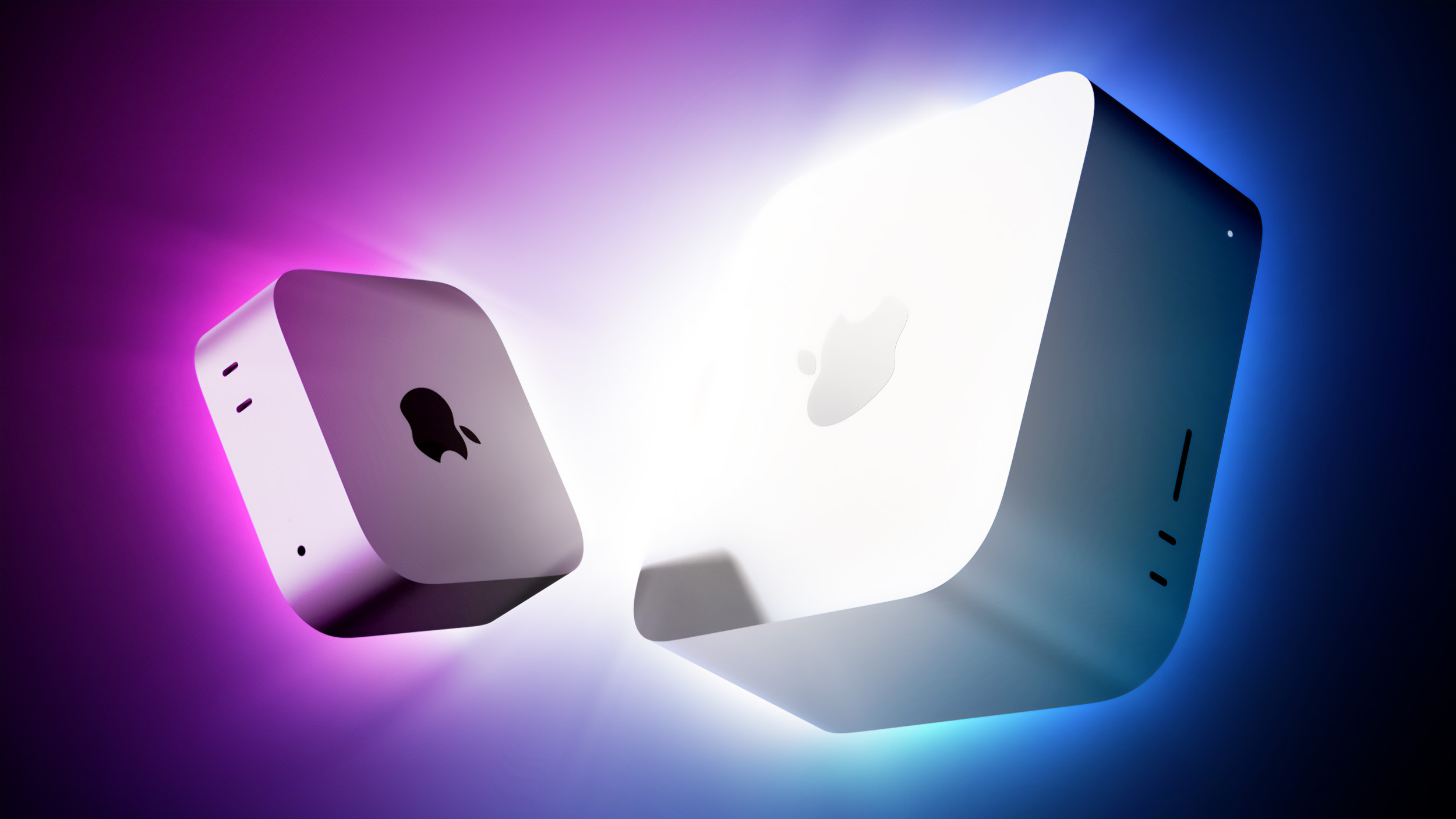
The Mac Studio (2022) is a professional-grade computer that offers an M1 Max or M1 Ultra system-on-a-chip. Looking like two stacked Mac mini units, the Mac Studio is currently the best Mac you can buy in terms of computer power. You can choose up to 128GB of unified memory, up to 20-core CPU, and 64-core GPU.
We highly recommend buying the all-new Apple Studio Display for the complete package. Available with standard or nano-texture glass, this 27-inch 5K Retina display features a 12MP Ultra-Wide camera with Center Stage, studio-quality mics, and a six-speaker sound system with Spatial Audio.
Pros:
Only Mac with M1 Ultra SoC
Lots of customization options
Cons:
Price
Still requires a monitor, keyboard, and mouse
Best for creatives
Mac Studio (2022)
From $1,999 from Apple
From $1,999 from B&H Photo
From $2,000 from Best Buy
The newest Mac
When you want to best, this is the Mac to buy. Just plan on spending a lot of cash.
Get to studying with the best Macs
Our favorite desktop Mac for students is the 24-inch iMac (2021), which includes excellent features for high schoolers and college students alike. The most important question you might be asking yourself is which color to buy. The iMac is available in seven color combinations: blue, green, pink, yellow, orange, purple, and traditional silver.
Like most Macs in 2022, the 24-inch iMac (2021) includes Apple silicon inside. So if you can, max out both memory and storage and enjoy the ride! Of course, if you’re looking for something a bit smaller than a Mac desktop, there’s always lots to pick from when it comes to the best MacBooks for students or the best iPads for students, which can get the job done just as well.
Credits — The team that worked on this guide
Bryan M. Wolfe is a dad who loves technology, especially anything new from Apple. Penn State (go Nittany Lions) graduate here; also a huge fan of the New England Patriots. Thanks for reading. @bryanmwolfe