Battle of the Apple monitors: Studio Display vs. Pro Display XDR
Hook it up to anything
Studio Display
Pros
12MP camera with Center Stage
Three studio-quality microphone array
Cheaper than Pro Display XDR
Different stand options
Cons
Only 600 nits brightness
Display only comes in one size
The Studio Display is the new kid on the block, and promises to be the best monitor for any Mac. With a gorgeous 27-inch 5K Retina Display, a three studio-mic array, a 12MP camera with Center Stage, and six speakers that support Spatial Audio, the Studio Display will fit right at home with any Mac or MacBook.
The screen for industry pros
Pro Display XDR
Pros
6K Retina Display
1,600 nits peak brightness
Massive 32-inch screen
10-bit depth for 1.073 billion colors
Cons
Extremely expensive
Stand costs extra
The Pro Display XDR is insanely expensive, but it serves a particular purpose. It’s not meant as an everyday monitor but rather as the option for visual pros who need amazing color and HDR performance. Thankfully, they can get it here with a huge 32-inch 6K screen and a peak brightness of 1,600 nits for HDR content.
While at first glance to the casual observer the Studio Display may seem like a steal of a deal compared to the Pro Display XDR, when you dig into the reasons why each monitor exists, you realize they are very different products.
Apple’s Studio Display is meant to use as an all-in-one monitor solution in your current setup to go along with any Mac you want. Whether you have a MacBook Pro, Mac mini, or that new Mac Studio, the Studio Display will provide, extra ports, a camera, and microphones making it like an instant Mac. The Pro Display XDR on the other hand offers a far more technical experience, focusing on the finer details of display technology such as bitness, color gamut, and more.
Studio Display vs. Pro Display XDR: The small details
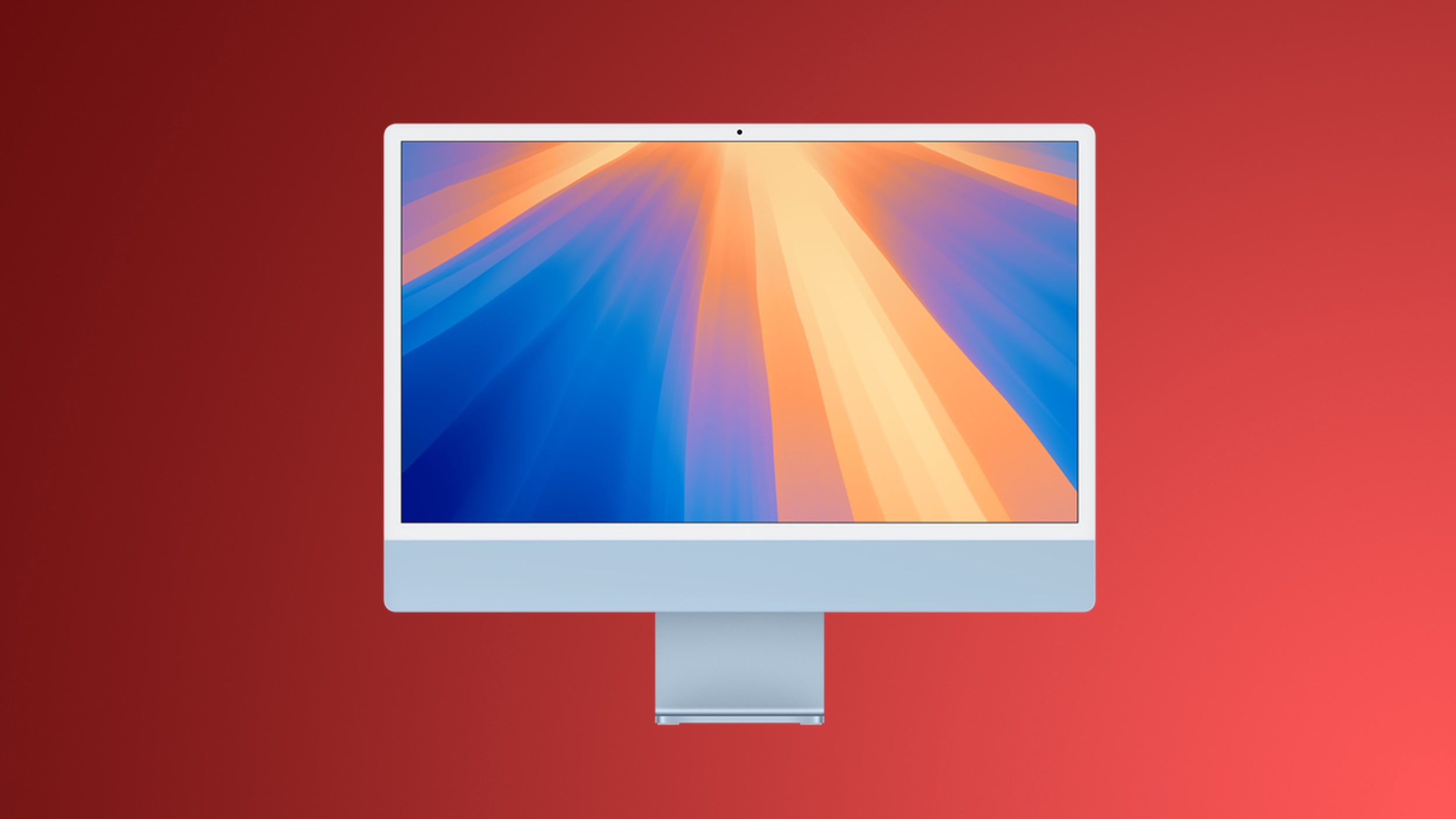
The Studio Display bears a remarkable resemblance to the iMac (2021), which I think is an apt comparison. Much like the M1 iMac is the family Mac of today, I view the Studio Display as a catch-all monitor for the family. If you have a Mac mini or a MacBook of any kind and you’re looking to build a home setup that’s a little more substantial, the Studio Display could be the right fit.
Alternatively, the Pro Display XDR strengths are much more focused on the display itself. It’s not quite for all-around use, but it offers features that videographers and audio/visual editors need to do their work.
Studio Display
Pro Display XDR
Starting Price
$1,599
$4,999
Size
27 inches
32 inches
Resolution
5K Retina (5120 by 2880 pixels)
6K Retina XDR Display (6016 by 3384 pixels)
Brightness
600 nits
1,600 nits at peak brightness
Colors
Support for 1 million colors
10-bit depth for 1.073 billion colors
True Tone
Yes
Yes
Camera
Yes
No
Speakers
6 speakers (4 woofers and 2 tweeters)
No
Microphone
Studio‑quality three‑mic array
No
Ports
3 USB-C and one Thunderbolt
3 USB-C and one Thunderbolt
While there are a couple of similarities (both screens have a nano-texture glass option, that, while costing more, will also help with glare, for instance), you can probably tell looking at the specs that the Pro Display XDR is not at all aimed at the same audience as the Studio Display.
The Pro Display XDR isn’t for casual users. Heck, I would say it’s not even designed for a lot of pros either. It’s designed so that instead of having one $45,000 reference monitor in your studio’s color grading station, a company can get 3-6 Pro Displays and have everybody in the pipeline all working with color-accurate monitors instead of cheaper, less accurate LCDs.
The Studio Display is Apple’s one-size-fits-all approach. It’s a display that can be used by everybody, from graphic designers to musicians or even just people who love having a monitor hooked up to their MacBook Pro for more screen space. It may prove to be the best monitor for the Mac mini we’ve ever seen.
Studio Display vs. Pro Display XDR: Stands and how to display your monitor
Let’s just talk about the stands real quick.
The Pro Display XDR still only has the $1,000 stand that it had at launch. Additionally, you can purchase just a VESA mount for an extra $200, that way you can use your Pro Display XDR on any compatible stand you like.
The Studio Display actually has a stationary stand included in its $1,599 price tag (it looks a lot like the base of an M1 iMac), that offers 30 degrees of tilt adjustment but no height adjustment whatsoever. You can choose to just get a VESA mount for no additional cost. If you do want a stand that has both heights and tilt adjustable, you can choose to get one with your Studio Display but it will cost you an extra $400.
Studio Display vs. Pro Display XDR: Which one should you buy?
Pictured: Apple Studio Display.
This is an easy one. While these are both monitors that will work well with your Mac or MacBook and produce excellent visuals, they hae entirely different audiences. If you’re looking for a general, all-around monitor to complete your setup, you’ll want to spring for the Studio Display. It might not have the prowess the Pro Display XDR has, but you won’t need a 6K Retina Display or 1,600 nits of brightness in most situations.
However, if you are the kind of person who needs a 6K Retina Display, 1,600 nits of brightness to do professional video or visual art work, and you (or your business) have the money to spare, you can’t do much better than the Pro Display XDR.
The ultimate display for most people
Studio Display
For the average person who wants a screen
The Studio Display gives you everything you could want in a monitor for your Mac or Macbook. You get a gorgeous 5K Retina display, speaker system, microphone array, and a 12MP camera to help the video calls go smoother.
Still for the business class
Pro Display XDR
Meant for high-end professional work
This is still the monitor that’s meant for high-end professional work on blockbuster films or extremely detailed visual art and not really meant for everyday people. That being said, if you need the type of monitor that can provide that impressive color, the Studio Display just won’t do.