Here’s how you can make payment without opening Paytm app
The Digital India program is India’s flagship initiative to transform India into a digitally enabled society and knowledge economy. One of the stated goals of Digital India is to be “Faceless, Paperless, and Cashless.” Digital payment services are contactless, cashless, and paperless payment methods. Technology has enabled the world to embrace these simple financial transactions through services such as smartphone apps and AI/machine learning.
We can quickly pay with the help of digital payment apps, including Paytm and Google Pay, which are popular mediums of digital payments. We have compiled a simple step to make payment without the Paytm app easily.
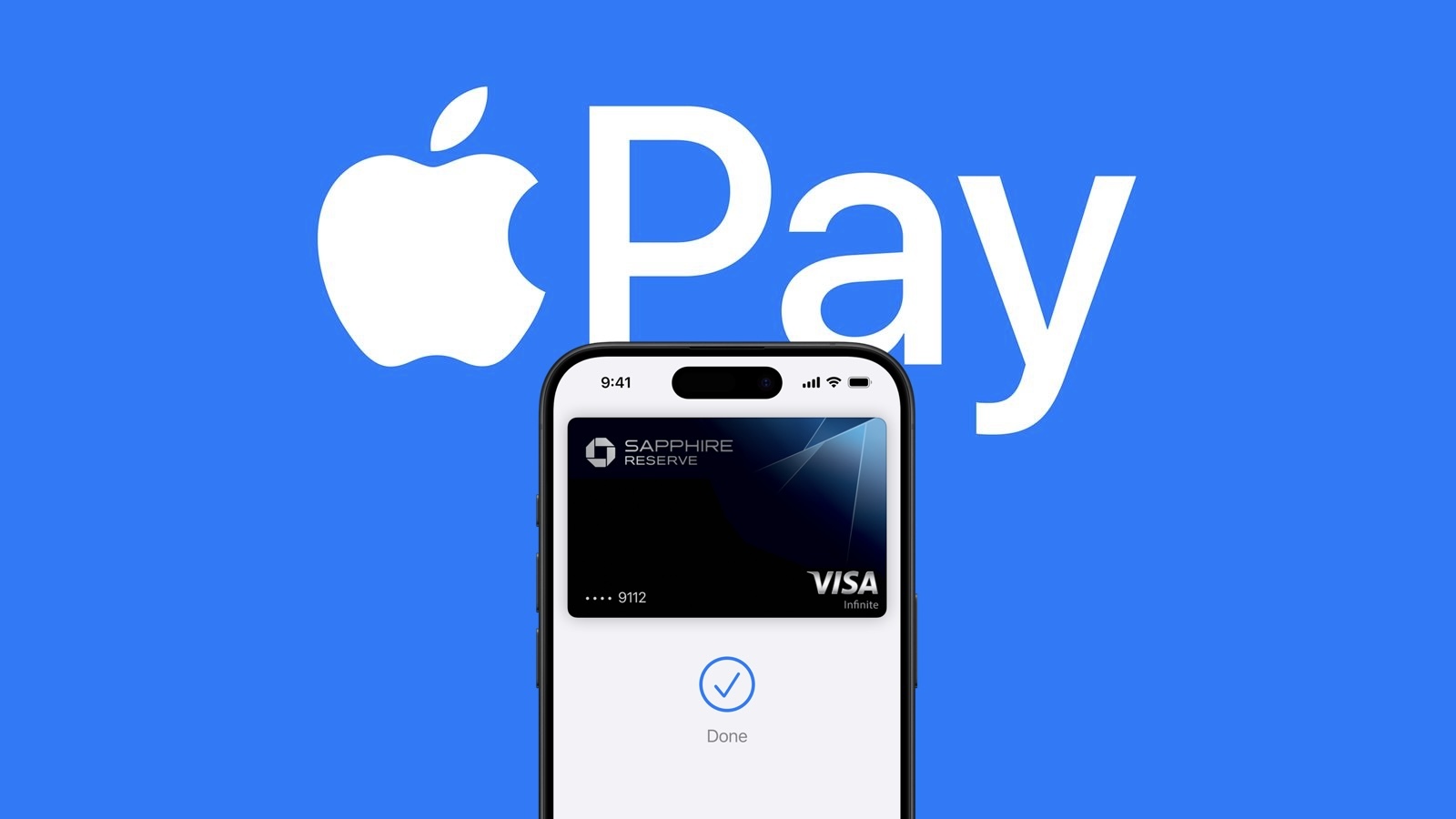
Additionally, to make the experience of its app more interesting for the users, the company has launched a new feature called Tap to Pay, which can help you make payments without opening the Paytm app and without using the internet.
Things you need:
Your Paytm app should be updated.
Must have an active debit or credit card link.
How to make payment without opening the Paytm app:
STEP1: First of all, open the Paytm app on your phone.
STEP2: Now scroll down and go to the Tap to Pay option in the My Paytm section.
STEP3: Now, tap on the Add New Card button at the bottom and enter the card details.
STEP4: Here, you can also select the already saved card.
STEP5: Now accept the term and condition and click proceed to verify.
STEP6: To pay using Tap to Pay, unlock your smartphone and activate NFC.
STEP7: Now, bring your smartphone near the NFC-activated POS machine and hold it steady till the payment is made.
STEP8: For transactions above Rs 5000, you will have to enter the card’s PIN at the POS machine.
The post Here’s how you can make payment without opening Paytm app appeared first on BGR India.