This simple problem has plagued iPad owners for too long
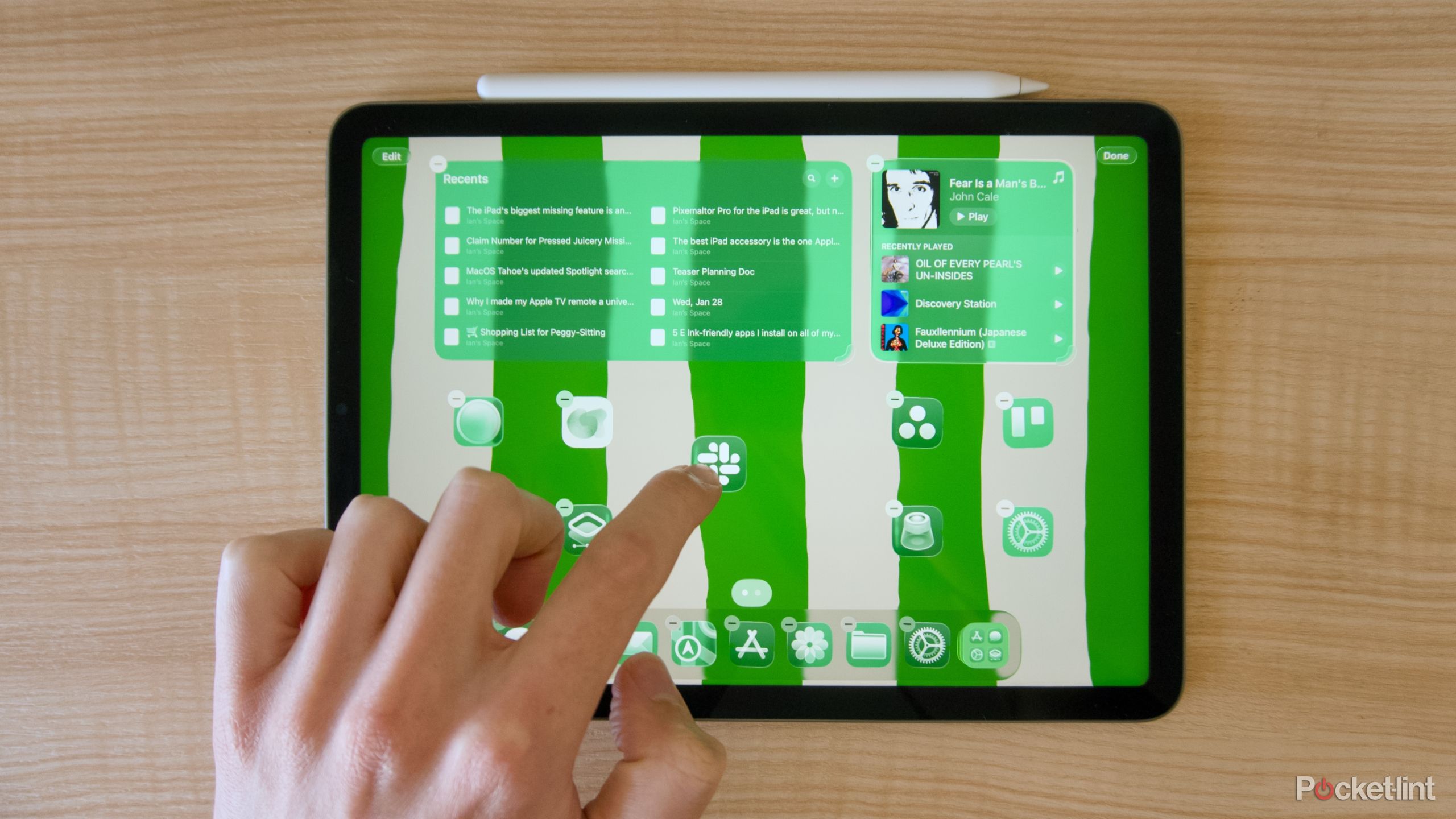
Apple’s tablets and smartphones used to be a lot simpler. Before the iPad started working like another version of Apple’s Macs, when you downloaded an app to your iPad or iPhone, it would just get added to the nearest empty spot on your home screen. There was no need to worry about widgets or folders. In fact, when the original iPad launched in 2010, it was in many ways a big iPhone, just with nice apps that took advantage of a larger screen. As the iPad has gotten more complex, adopted interface elements from Apple’s desktop operating system, and developed touch-focused alternatives, though, rearranging the tablet’s apps and widgets has gotten increasingly annoying. And the additional layers of new features haven’t made things any easier.