Mac Mini vs. Mac Studio Buyer’s Guide
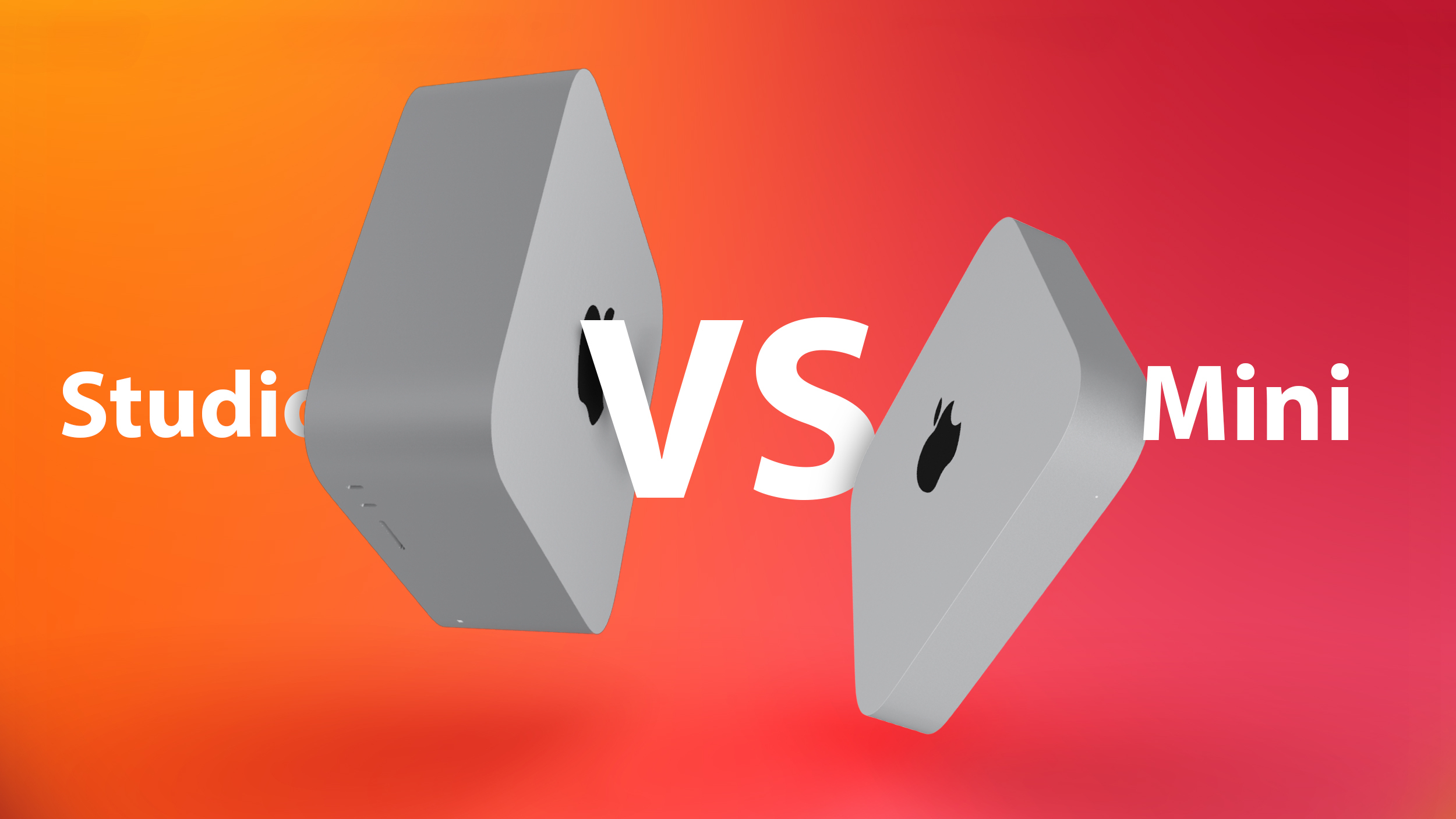
In 2023, Apple updated the Mac Studio with the M2 Max and M2 Ultra chips, with the latter being the most powerful Apple silicon chip to date. Earlier this year, Apple refreshed the Mac mini with the M2 and M2 Pro chips, meaning that the Mac Studio faces a formidable competitor that offers “Pro” capabilities at a substantially lower price point.
There are now two desktop Macs and four Apple silicon chip options for users who do not need the expandability of the Mac Pro. The Mac Studio starts at $1,999, dwarfing the $599 starting price of the M2 Mac mini and even the $1,299 starting price of the M2 Pro Mac mini, so do you need the performance of the Mac Studio, or is the humble Mac mini sufficient for your needs? Our guide helps to answer the question of how to decide which of these two desktop Macs is best for you.
Comparing the Mac Mini and the Mac Studio
The Mac mini and the Mac Studio share some fundamental features, including a familiar, boxy silver aluminum design, Apple silicon chipsets, and two USB-A ports. That being said, the two machines have much more in contrast than they do in common, including different chip options, memory capacities, ports, and external display support capabilities.
Key Differences
Mac Mini
Mac Studio
Height of 1.41 inches (3.58 cm)
Height of 3.7 inches (9.5 cm)
M2 chip or M2 Pro chip
M2 Max chip or M2 Ultra chip
Up to 12-core CPU
Up to 24-core CPU
Up to 19-core GPU
Up to 76-core GPU
Media engine with video decode engine, video encode engines, and ProRes encode and decode engine
Media engine with two video decode engines, up to four video encode engines, and up to four ProRes encode and decode engines
Up to 200GB/s memory bandwidth
Up to 800GB/s memory bandwidth
Up to 32GB unified memory
Up to 192GB unified memory
Support for up to two displays (M2) or three displays (M2 Pro)
Support for up to eight 4K displays, six 6K displays, or three 8K displays
Up to four Thunderbolt/USB 4 ports
Six Thunderbolt/USB 4 ports
Gigabit Ethernet or 10Gb Ethernet port
10Gb Ethernet port
–
SDXC card slot (UHS-II)
Starts at $699 for M2 model or $1,299 for M2 Pro model
Starts at $1,999 for M2 Max model or $3,999 for M2 Ultra model
Desktop Apple Silicon Chips Compared
While we don’t yet have benchmarks for the M2 Ultra, it is still worth comparing the M2, M2 Pro, and M2 Max to the M1 Ultra to get a sense of how their performance scales. Benchmark scores for the M2 Ultra are likely to be around 20 to 30 percent better than the M1 Ultra.
In single-core tasks, the M2 and M2 Pro Mac mini models perform very similarly to the M2 Max and M2 Ultra Mac Studio. Yet in multi-core and GPU tasks, the Mac Studio makes considerable strides ahead of the Mac mini, scaling as one would expect. Users who need maximum GPU performance, in particular, should buy the Mac Studio over the Mac mini.
See the approximate Geekbench 5 scores for each Mac mini and Mac Studio below (M1 Ultra in place of M2 Ultra until benchmarks are available):
Single-Core Scores
M2: ~2,000
M2 Pro: ~2,000
M2 Max: ~2,700
M1 Ultra: ~1,750
Metal GPU Scores
M2: ~30,500
M2 Pro: ~52,700
M2 Max: ~64,700
M1 Ultra: ~94,500
Multi-Core Scores
M2: ~9,000
M2 Pro: ~14,200
M2 Max: ~14,400
M1 Ultra: ~23,350
Unless you plan on buying the M2 Ultra Mac Studio with a focus on multi-core and GPU performance, the M2 Pro Mac mini should be the best all-round choice in terms of performance for most users.
Memory
If you need more than 32GB of memory, the Mac Studio can provide greater quantities up to 192GB. Likewise, the Mac mini’s memory bandwidth maxes out at 200GB/s memory bandwidth. The Mac Studio, on the other hand, offers up to 400GB/s or 800GB/s memory bandwidth. As such, if you need extreme quantities of memory and a large amount of memory bandwidth for professional tasks, only the Mac Studio can meet these requirements. It is still worth noting that the M2 Pro Mac mini’s 32GB memory option, along with 200GB/s memory bandwidth, should be more than enough for most users.
Ports and External Display Support
The Mac Studio offers a more versatile selection of ports, with two extra Thunderbolt/USB 4 ports and a SDXC card slot compared to the M2 Pro Mac mini, which could be an important consideration for users with a lot of peripherals.
The Mac mini can only support up to three external displays with the M2 Pro chip, whereas the Mac Studio can support up to eight 4K displays, six 6K displays, or three 8K displays.
Final Thoughts
To some extent, purchasing decisions should be driven by budget, but it is worth bearing in mind that any savings on the desktop computer itself can be put toward a good external display such as Apple’s Studio Display, which starts from $1,599. For example, an M2 Pro Mac mini paired with a Studio Display comes to $2,898, which is just $899 more than a lone base model Mac Studio and $1,101 less than the M2 Ultra Mac Studio with no display.
Buy a Mac Mini if…
You need a high-level of performance and versatility at a comparatively low price
You prefer a smaller desktop machine
Buy a Mac Studio if…
You need extreme multi-core CPU or GPU performance
You need more than 32GB of memory and high memory bandwidth
You need more than four Thunderbolt/USB 4 ports
You need support for more than three external displays
You need a built-in SDXC card slot (UHS-II)
You should only consider the Mac Studio if you have a professional workflow that can leverage the extreme power of the M2 Max or M2 Ultra, as well as its additional ports and memory options. If you need the Mac Studio, you will likely know that you are looking for a highly powerful machine that is capable of supporting specific intense workflows. Most customers should choose the M2 Pro Mac mini over the M2 Max Mac Studio, saving $700 when looking at the base models. There will likely still be substantial savings when it comes to custom configurations.
This article, “Mac Mini vs. Mac Studio Buyer’s Guide” first appeared on MacRumors.com
Discuss this article in our forums