Here’s How to Share Your Location via Satellite With Find My
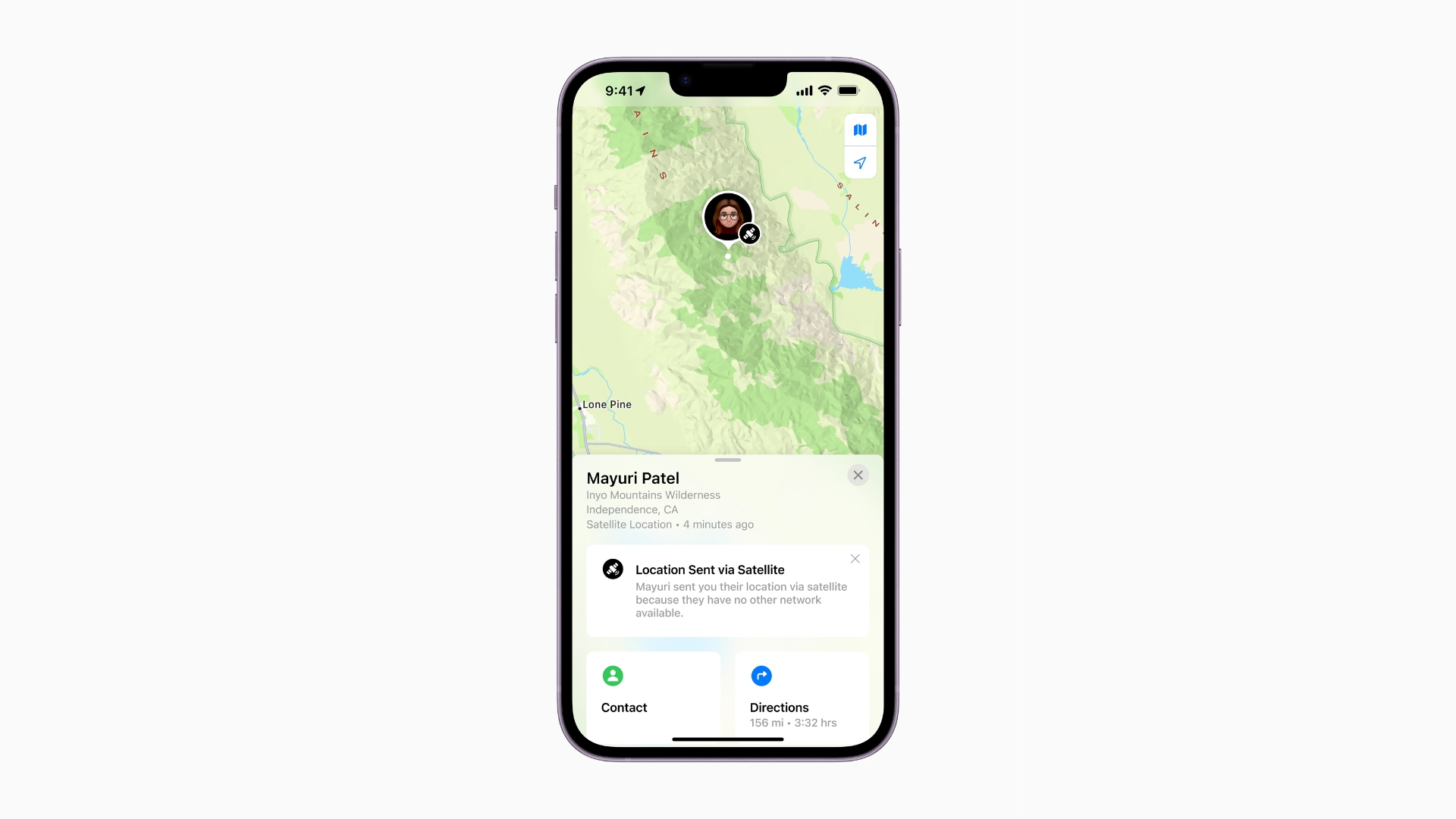
Apple today launched its Emergency SOS via satellite service in the US and Canada, and while the feature is geared to help users in a genuine emergency, Apple’s satellites also make it possible for anyone to share their location whenever they are off the grid.
The new functionality means you can now share your location with friends and family, even if your iPhone 14 has no cellular connection or access to Wi-Fi, allowing you to reassure people of your whereabouts while traveling in the wilderness.
The following steps show you how to take advantage of the feature, which can be accessed via Find My on iPhone 14 models running iOS 16.1 or later. Be sure to update your device if you haven’t already via Settings -> General -> Software Update.
Open the Find My app on your iPhone 14.
Tap on the Me tab.
Swipe up to see “My Location via Satellite,” then tap Send My Location.In addition to Emergency SOS and Find My, the satellite connection on the iPhone 14 lineup also works with other features available on iPhone and Apple Watch, including Crash Detection and Fall Detection.
Note that Apple’s satellite services are included for free for two years starting at the time of activation of a new iPhone 14, iPhone 14 Plus, iPhone 14 Pro, and iPhone 14 Pro Max. Emergency SOS via satellite and Find My via satellite are available today in the US and Canada, and will be available in France, Germany, Ireland, and the UK in December.
This article, “Here’s How to Share Your Location via Satellite With Find My” first appeared on MacRumors.com
Discuss this article in our forums