Your Mac Studio looks better with these accessories
The Mac Studio represents perhaps the most exciting new product Apple has launched in years. Featuring either an Apple M1 Pro or an Apple M1 Ultra system-on-a-chip, the boxy computer is one powerful device. But unfortunately, it doesn’t ship with even the minimum accessories, such as a monitor, keyboard, or mouse. So here are our favorite accessories for Apple’s newest Mac. Enjoy.
Gorgeous display
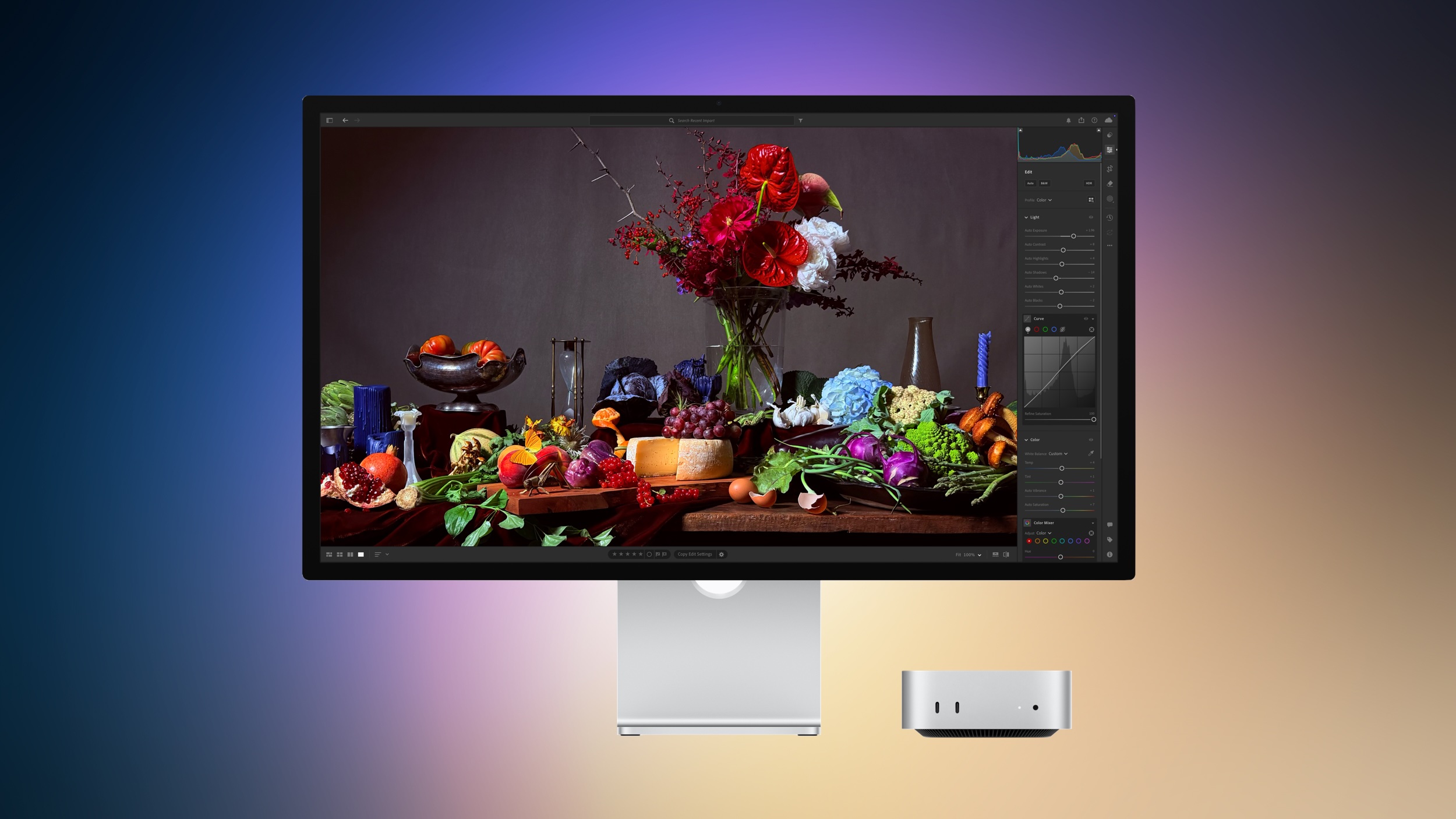
All-new Apple Studio Display
Staff Pick
We love the all-new 27-inch Apple Studio Display, which offers three USB-C ports you can use for various purposes. There’s also a Thunderbolt port to connect with a single cable. This monitor offers a 5120-by-2800 resolution at 218 pixels per inch. Use it with the Mac Studio — or any other Mac.
Black or white?
Apple Magic Mouse (Wireless)
Apple’s iconic Magic Mouse still comes with its charging port at the bottom, much to the chagrin of many. And yet, it’s still magical when in use. For Mac Studio, Apple has introduced a black version to go with the white option. Regardless of the color, the Magic Mouse offers an optimized foot design that lets it glide smoothly across a desk or other flat surface. Or, there are plenty of neat alternatives to the Magic Mouse if it’s not your thing.
New entry
WaterField Mac Studio Shield Case
Protect your excellent new Mac Studio with this portable, sturdy case from San Francisco’s WaterField. Choose from various styles and a matching suspension strap. Each option is lined in ultra-soft material that’s surrounded by foam padding.
Your type?
Magic Keyboard with Touch ID and Numeric Keypad
The Magic Keyboard with Touch ID and Numeric Keypad is comfortable and offers a precise typing experience. It’s wireless, rechargeable, and only needs more juice monthly. In addition, this keyboard provides an extended layout with document navigation controls for quick scrolling and full-size arrow keys, which are ideally suited for gaming. It is kind of pricey though, so if that’s a concern be sure to check out some of the best alternatives to the Magic Keyboard instead.
Just listen
Apple AirPods Max (various colors)
Apple’s best headphones should go with its best Mac, no? Available in five beautiful colors, the AirPods Max , which we loved and reviewed, provides Active Noise Cancellation, a transparency mode, and much more. Inside is an Apple H1 chip to create a listening experience like no other.
An extra you need
Apple Magic Trackpad – white multi-touch surface
Like the Magic Mouse, the Magic Trackpad is now available in black or white. Wireless and rechargeable, the accessory offers the full range of Multi-Touch gestures and Force Touch technology. In addition, the Magic Trackpad automatically pairs with your Mac, so it’s easy to let the fun (or work) begin.
Private audio
AirPods Pro by Apple
If you prefer to listen to your audio through headphones instead of speakers, pick up Apple’s AirPods Pro. As we noted in our review, not only is the audio great, but it can seamlessly switch between your Mac and iPhone when you do. In addition, active noise canceling means you won’t be disturbed by distracting outside noises.
You know you want it
Apple Pro Display XDR – 16:9 Retina 6K HDR IPS Display
When money is no object, it’s time to buy the Pro Display XDR. Perfectly paired with the Mac Studio, the 32-inch 6K Retina display comes with standard or nano-textured glass and your choice of stands. If you prefer a third-party option, don’t worry as there are also tons of great alternatives to the Pro Display XDR.
If you need an optical drive
Apple USB SuperDrive – DVD, CD, Blu-Ray player
The USB SuperDrive gives you an optical drive for your Mac if you need it. Connect it via USB-A (a USB-C hub is required for USB-C Macs).
Look at that
The Mac Studio is Cupertino’s newest most powerful computer. Despite its excellent internals, the machine wouldn’t be all that valuable unless you purchase some essential accessories. Our favorite is the all-new Studio Display. It’s a 27-inch 5K Retina display with a 5120-by-2880 resolution at 218 pixels per inch. If you can take a step up, consider the 6K Retina Pro Display XDR. It’s an accessory that might set you back more than the computer!
Beyond this, we also recommend the AirPods Max, AirPods Pro, and other fabulous accessories for the Mac Studio.