New Google TV app turns your iPhone into a virtual remote
What you need to know
Google has rebranded the Play Movies & TV app — it’s now called Google TV.
Users can now ditch their streaming stick’s remote and use the new Google TV app instead.
Remote control functionality works with all Google TV and Android TV devices.
Now you can use your iPhone as a remote instead of the crummy one that came with your streaming stick.
Google has updated its Play Movies & TV app, giving a new name in the process. That name is Google TV and the refresh is more than skin deep. Users have some new features to enjoy!
The rebrand brings with it a number of changes including the ability to “select your streaming services to browse movies and shows from across your apps all in one place,” which sounds cool. There’s support for content recommendations and more, too, but the big improvement is one that will help people do away with all of those silly little remotes they got with their streaming sticks.
That’s because with this new Google TV app, owners of Google TV or Android TV devices can now use their iPhone or iPad as a remote control, doing away with all the hassle of those sub-par controllers. It’s a small change with a big impact and one that’s worth the price of admission alone — free!
Add interesting shows and movies to your watchlist to keep track of your new discoveries and pick right up on the big screen later.
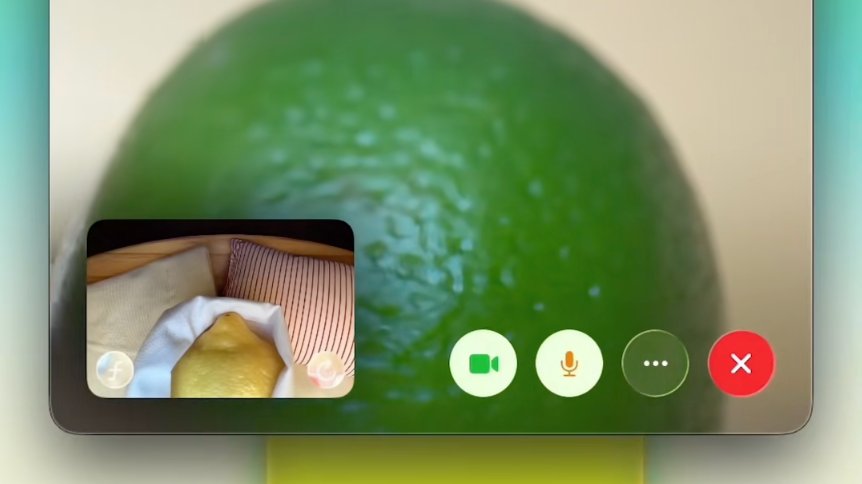
Control your Google TV or other Android TV OS device with the built-in virtual remote.
Those who already had the Play Movies & TV app installed will see the new Google TV app in the App Store, ready to be updated. Everyone else can download it for free right now. If you own a Google TV or Android TV streaming stick or set-top box, this really is a no-brainer!
You learn more about the cool stuff the new Google TV app can do in the announcement blog post, too.